 Skip to content

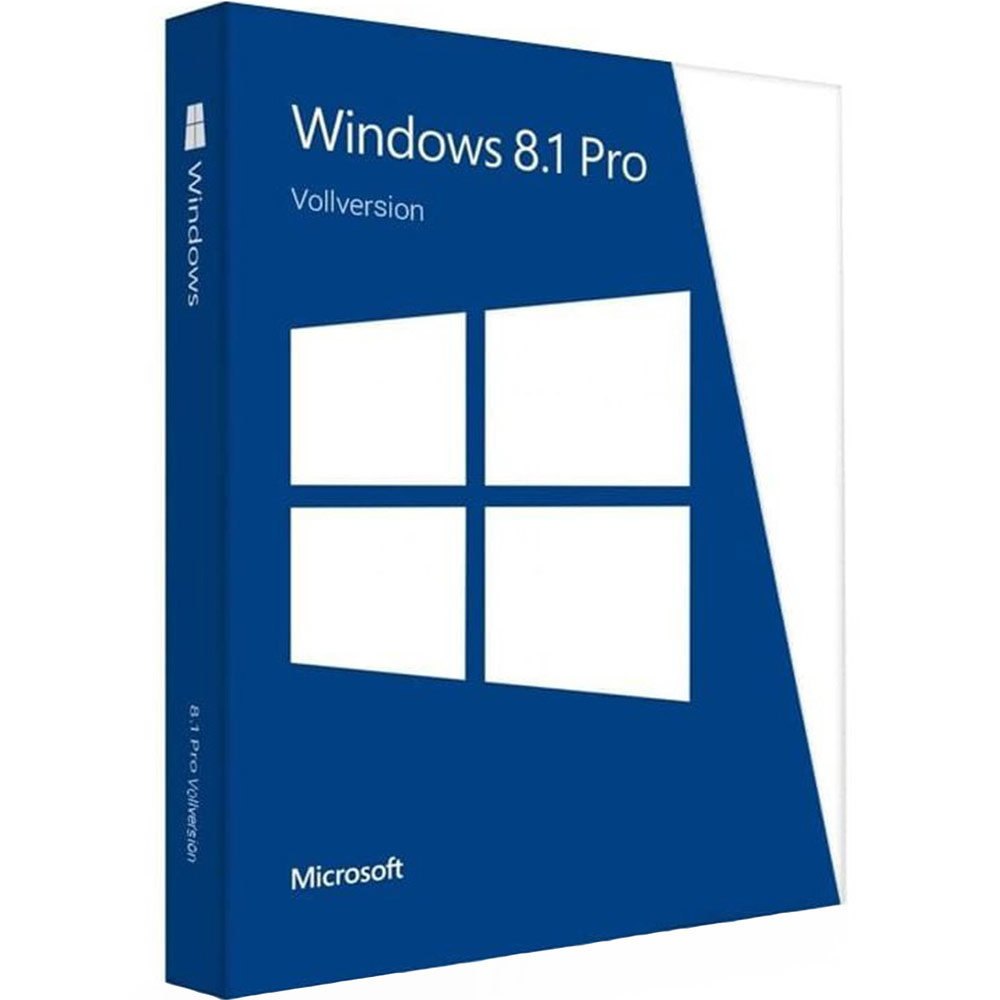
Windows 8 Pro Product Key
Reward Points : 1Points
Original price was: $85.00.$21.99Current price is: $21.99.
 100% Genuine (Retail Version).
Both 32/64 bit version support
All languages version support.
Online update support.
Lifetime effective


Have Questions?

Get Your Windows 8 Pro Product Key: Find Lost Keys or Buy Genuine Instantly
Stuck trying to activate Windows 8 Pro? Whether you’re reinstalling after a crash, upgrading from Windows 7, or building a new rig, you need that 25-character product key to get started.
If you’ve lost your original key, don’t panic. We’ll show you how to recover it. And if that key is gone for good, we’ve got a 100% working solution waiting for you.
How to Find Your Lost Windows 8 Pro Key
Before you buy a new license, try these three methods to recover your existing key. You might already have it and not realize it!
Method 1: Check Your Email Inbox
If you purchased Windows 8 Pro online (from Microsoft or a reseller), the key was sent to you digitally.
-
Search for: “Windows 8 Product Key”, “Microsoft Order”, or “Digital River” (an old Microsoft processor).
-
Check: Your Spam or Junk folder just in case.
Method 2: Look for the COA Sticker
If you bought a physical copy of Windows 8 Pro (a boxed product) or a pre-built PC (like a Dell or HP), look for the Certificate of Authenticity (COA) sticker.
-
Where to look:
-
On the side or top of your desktop tower case.
-
On the bottom of your laptop.
-
Inside the battery compartment of older laptops.
-
Inside the original packaging of the software.
-
Method 3: Use Command Prompt (The “Magic” Command)
If Windows is already installed and running on your machine, your key is hidden in the registry. You can pull it up in seconds.
-
Press the Windows Key on your keyboard and type cmd.
-
Right-click on Command Prompt and select Run as administrator.
-
Type (or copy) the following command and press Enter:
wmic path softwarelicensingservice get OA3xOriginalProductKey -
If your PC came with Windows 8 pre-installed (BIOS embedded key), your 25-character key will appear on screen instantly. Write it down!
Can’t Find It? Buy a Genuine Windows 8 Pro Key Instantly
Did you try the steps above and come up empty? Did you build your own PC and need a fresh license?
Don’t waste time with sketchy “activators” or key generators that are often filled with malware. At Mylegitkeys.com, we provide instant, legal, and secure activation.
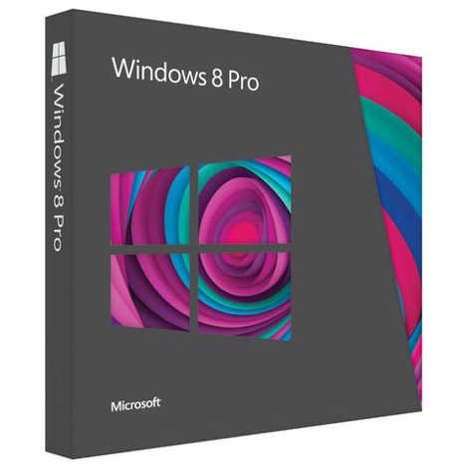
[image: Image of Windows 8 Pro box or a digital delivery graphic]
Why Thousands of Customers Buy from Mylegitkeys
✅ 100% Genuine Microsoft Licenses
We are a trusted partner selling official Microsoft keys. We do not sell MSDN, trial, or “hacked” keys. Your activation will last a lifetime.
✅ Instant Digital Delivery
Forget waiting for shipping. As soon as your payment is confirmed, your Windows 8 Pro product key is emailed to you. Most deliveries take less than 2 minutes.
✅ Works on Both 32-bit & 64-bit
Whether you are running an old machine with 2GB of RAM or a powerful gaming rig, this key works for both system architectures.
✅ Multilingual Support
This key works on any language version of Windows 8 Pro (English, Spanish, French, German, etc.).
✅ Lifetime Replacement Warranty
Technology can be tricky. If you run into any activation errors, our 24/7 support team will replace your key for free. No questions asked.
🛒 The Product: Windows 8 Pro Professional
| Feature | Details |
|---|---|
| Product | Microsoft Windows 8 Pro Professional |
| Delivery | Instant via Email |
| Media | Product Key + Official Download Link Included |
| Activation | Online (Internet Required) |
| Warranty | Lifetime Replacement Guarantee |
| Price | $[INSERT YOUR PRICE] |
[Button: BUY NOW – Get Instant Access ]
Windows 8 Pro System Requirements📋
Before you buy, make sure your PC can run Windows 8 Pro smoothly.
-
Processor: 1 gigahertz (GHz) or faster with support for PAE, NX, and SSE2
-
RAM: 1 gigabyte (GB) (32-bit) or 2 GB (64-bit)
-
Hard Disk Space: 16 GB (32-bit) or 20 GB (64-bit)
-
Graphics Card: Microsoft DirectX 9 graphics device with WDDM driver
Frequently Asked Questions❓
Q: Is Windows 8 Pro still supported by Microsoft?
A: Mainstream support for Windows 8 has ended. However, buying a key allows you to install and use the OS indefinitely. Many users prefer Windows 8 for its speed on older hardware compared to Windows 10/11. Note: This key can also often be used to activate Windows 8.1 Pro via the free Windows Update.
Q: Can I upgrade to Windows 10/11 for free with this key?
A: Yes! Microsoft’s free upgrade offer for Windows 10 technically “ended,” but the activation servers still accept Windows 7 and 8 keys. You can install Windows 10 or 11 and enter this Windows 8 Pro key during setup to activate it.
Q: What if the key doesn’t work?
A: This is highly unlikely as we source keys directly from Microsoft partners. However, if you have any issues, contact our support team immediately. We offer a Lifetime Warranty and will provide a replacement key free of charge.
Q: Will I receive a physical disc?
A: No. This is a digital product. You will receive the product key and a link to download the official Windows 8 Pro ISO file from Microsoft’s servers.
Q: Can I use this key on multiple computers?
A: No. This is a single-device license. If you need to activate multiple computers, you will need to purchase multiple keys.
Ready to Activate?
Stop searching for free tools that will crash your computer. Get a legitimate Windows 8 Pro product key in your inbox right now.
Only logged in customers who have purchased this product may leave a review.
Related products
Microsoft Windows
Microsoft Windows
Microsoft Windows
Microsoft Windows
Microsoft Windows
Microsoft Windows
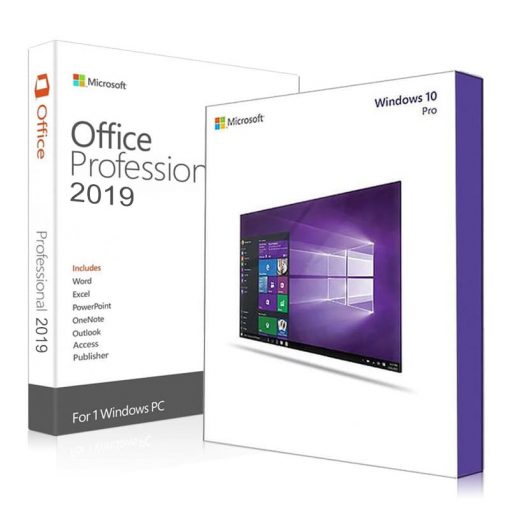
Microsoft Windows
Reviews
There are no reviews yet.