 Skip to content

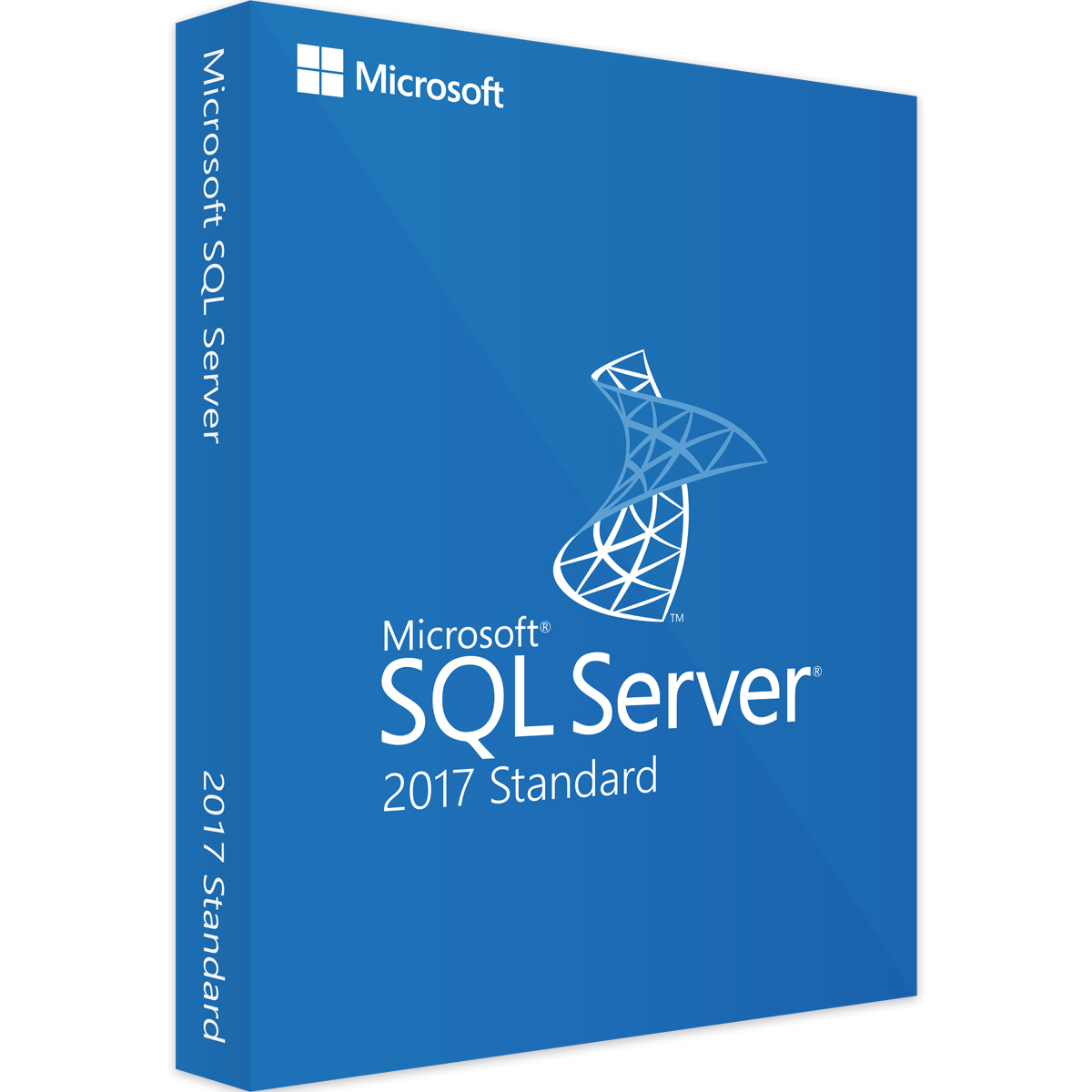
SQL Server 2017 Standard Edition License Key 10 and 24 Cores
Price range: $899.99 through $1,499.00
DOWNLOAD LINK INCLUDED
 100% Genuine.
All languages support.
Online update support.
Lifetime effective


SQL Server 2017 Standard License Key – Reliable Database Solution for Growing Businesses
Welcome to Mylegitkeys.com, your trusted source for software licensing. A SQL Server 2017 Standard license key unlocks Microsoft’s enterprise-class database platform designed for mid-tier applications and data marts—delivering a balanced combination of performance, security, and affordability for growing businesses .
SQL Server 2017 marked a major milestone as the first version to bring the power and security of SQL Server to the Linux platform, giving organizations the flexibility to deploy on either Windows or Linux with a single license .
Why Choose SQL Server 2017 Standard Edition?
| Feature Category | Capabilities |
|---|---|
| Performance | Up to 24 cores, 128 GB memory, columnstore indexes, In-Memory OLTP |
| Security | Row-level security, Always Encrypted, dynamic data masking, basic auditing |
| High Availability | Basic availability groups (2 replicas), log shipping, backup compression |
| Cross-Platform | Deploy on Windows or Linux with the same license |
| Business Intelligence | Reporting Services, Integration Services, data mining |
Understanding SQL Server 2017 Licensing
SQL Server 2017 Standard Edition offers two licensing models to accommodate different deployment scenarios :
| Licensing Model | Best For | How It Works |
|---|---|---|
| Core-Based Licensing | Virtualized environments, internet-facing scenarios | License each core (sold in 2-core packs) |
| Server + CAL Licensing | Internal applications with known user count | License the server + Client Access Licenses for each user/device |
What’s Included in SQL Server 2017 Standard
| Component | Description |
|---|---|
| Database Engine | Core service for storing, processing, and securing data |
| Reporting Services | Create, manage, and deploy reports |
| Integration Services | Extract, transform, and load (ETL) tools |
| Data Quality Services | Data cleansing and matching |
| Full-Text Search | Advanced text-based querying |
| Machine Learning Services | R and Python integration (in-database) |
System Requirements
| Component | Minimum Requirement |
|---|---|
| Processor | 1.4 GHz 64-bit processor, 2 cores minimum |
| RAM | 4 GB minimum (recommended: 8+ GB) |
| Storage | 6 GB available space |
| Operating System | Windows Server 2016/2019/2022, Windows 10/11, or Linux (Red Hat, Ubuntu, SUSE) |
| .NET Framework | 4.6 or higher |
Scale Limits for Standard Edition
| Resource | Limit |
|---|---|
| Compute Capacity | Lesser of 4 sockets or 24 cores |
| Memory (Buffer Pool) | 128 GB |
| Memory (Columnstore) | 32 GB |
| Memory-Optimized Data | 32 GB per database |
| Database Size | 524 PB |
Your Database Solution
When you purchase a SQL Server 2017 Standard license key from Mylegitkeys.com, you receive:
-
Instant Delivery: License key emailed immediately after purchase
-
Genuine Microsoft License: Sourced through authorized channels
-
Replacement Warranty: Support for activation issues
-
Volume Discounts: Available for multiple licenses
Frequently Asked Questions
1. What’s the difference between SQL Server 2017 Standard and Enterprise editions?
Answer: SQL Server 2017 Standard delivers comprehensive database functions for mid-tier applications with up to 24 cores and 128 GB memory . Enterprise adds advanced features for mission-critical workloads including unlimited virtualization (with Software Assurance), Transparent Data Encryption (TDE), Always On availability groups (up to 8 replicas), and unlimited memory . Standard is ideal for growing businesses; Enterprise for large-scale, mission-critical deployments.
2. What are the two licensing models for SQL Server 2017 Standard?
Answer: SQL Server 2017 Standard offers two licensing options :
-
Core-Based Licensing: License each physical core on the server (minimum 4 cores per processor, 8 cores per server). Cores are sold in 2-core packs. This model is required for virtualized environments or internet-facing scenarios.
-
Server + CAL Licensing: License the server itself, plus Client Access Licenses (CALs) for each user or device accessing the server. This is often more economical for internal applications with a known user base.
3. Can SQL Server 2017 run on Linux?
Answer: Yes! SQL Server 2017 was the first version to bring SQL Server to Linux platforms . With a single license, you can deploy on Windows or Linux (Red Hat Enterprise Linux, SUSE Linux Enterprise Server, Ubuntu) and even switch between them as your needs change .
4. How do I activate SQL Server 2017 Standard with my product key?
Answer: During SQL Server installation, the installer will prompt for a 25-character product key . Enter your key when prompted. If you’re upgrading from Express or Evaluation edition, you can enter the key through the SQL Server Installation Center by selecting “Maintenance” > “Edition Upgrade” . After installation, you can verify activation in SQL Server Management Studio or via PowerShell.
5. What are the maximum resource limits for SQL Server 2017 Standard?
Answer: SQL Server 2017 Standard is limited to :
-
Compute: Lesser of 4 sockets or 24 cores
-
Memory (Buffer Pool): 128 GB
-
Memory (Columnstore): 32 GB
-
Memory-Optimized Data: 32 GB per database
-
Database Size: 524 PB (effectively unlimited for most organizations)
6. Does SQL Server 2017 Standard include high availability features?
Answer: Yes! Standard Edition includes :
-
Basic Availability Groups: Supports two replicas with one database
-
Log Shipping: For disaster recovery
-
Backup Compression: Reduces backup size and improves performance
-
Failover Cluster Instances: Supports two-node clusters
7. What security features are included in SQL Server 2017 Standard?
Answer: Standard Edition includes robust security features :
-
Row-Level Security: Restrict data access at the row level
-
Always Encrypted: Protect sensitive data even from database administrators
-
Dynamic Data Masking: Hide sensitive data from non-privileged users
-
Basic Auditing: Track database activity
-
Transparent Data Encryption (TDE) is NOT included—that’s Enterprise-only .
8. Can I upgrade from SQL Server Express to Standard Edition?
Answer: Yes! You can upgrade from SQL Server Express (the free edition) to Standard without losing any data . During the upgrade process, the installer will ask for your Standard product key. Simply enter your purchased key and follow the edition upgrade path in the SQL Server Installation Center.
9. Where can I find my SQL Server product key after installation?
Answer: If you need to retrieve your key from an existing installation, you can :
-
Use Registry Editor: Navigate to
HKEY_LOCAL_MACHINE\SOFTWARE\Microsoft\Microsoft SQL Server\MSSQL.1\Setupand look for ProductCode -
Use PowerShell: Run specialized scripts to extract the key from the registry
-
Check your email: For purchases from Mylegitkeys.com, your key was emailed instantly
10. What’s the difference between per-core licensing and Server + CAL?
Answer:
-
Per-Core Licensing: You license each core on your server (minimum 4 cores per processor, 8 per server) and can run an unlimited number of users/devices. Required for Enterprise Edition and recommended for highly virtualized or internet-facing deployments.
-
Server + CAL Licensing: You buy one server license plus a CAL for each user or device. More economical when you have a small number of users accessing the server.
11. Is SQL Server 2017 still supported by Microsoft?
Answer: SQL Server 2017 is in extended support. Mainstream support ended in October 2022, but extended support continues through October 2027. During extended support, security updates and paid support remain available, but no new features are added.
12. Can I use SQL Server 2017 Standard in virtual machines?
Answer: Yes! With per-core licensing, you license only the virtual cores assigned to your VM . Without Software Assurance, you can move licenses between servers every 90 days. With Software Assurance, you get License Mobility to move VMs between servers and to authorized cloud providers .
13. What management tools are included?
Answer: SQL Server 2017 Standard includes full access to :
-
SQL Server Management Studio (SSMS): Comprehensive database management
-
SQL Server Configuration Manager: Service and network configuration
-
SQL Server Profiler: Performance monitoring and tracing
-
Database Engine Tuning Advisor: Performance optimization
-
SQL Server Data Tools: Database development in Visual Studio
14. Can I use SQL Server 2017 Standard for commercial or internal business use?
Answer: Absolutely! SQL Server 2017 Standard is fully licensed for commercial and internal business use . This includes internal applications, data analysis, reporting, and any business workload that fits within the edition’s resource limits.
15. What if my product key doesn’t activate?
Answer: First verify you’re using the correct 25-character key and that you’ve selected the correct edition during installation . If issues persist, contact our support team with your order number and the error message. Common activation errors include:
-
0xC004F050: Invalid or mismatched key
-
0xC004C003: Activation server unavailable
We provide replacement keys for legitimate activation issues.
| Cores | 10, 24 |
|---|
Related products
SQL Server 2016

SQL Server 2017
SQL Server 2017
SQL Server 2017
SQL Server 2019
SQL Server 2019
SQL Server 2016
SQL Server 2016