 Skip to content

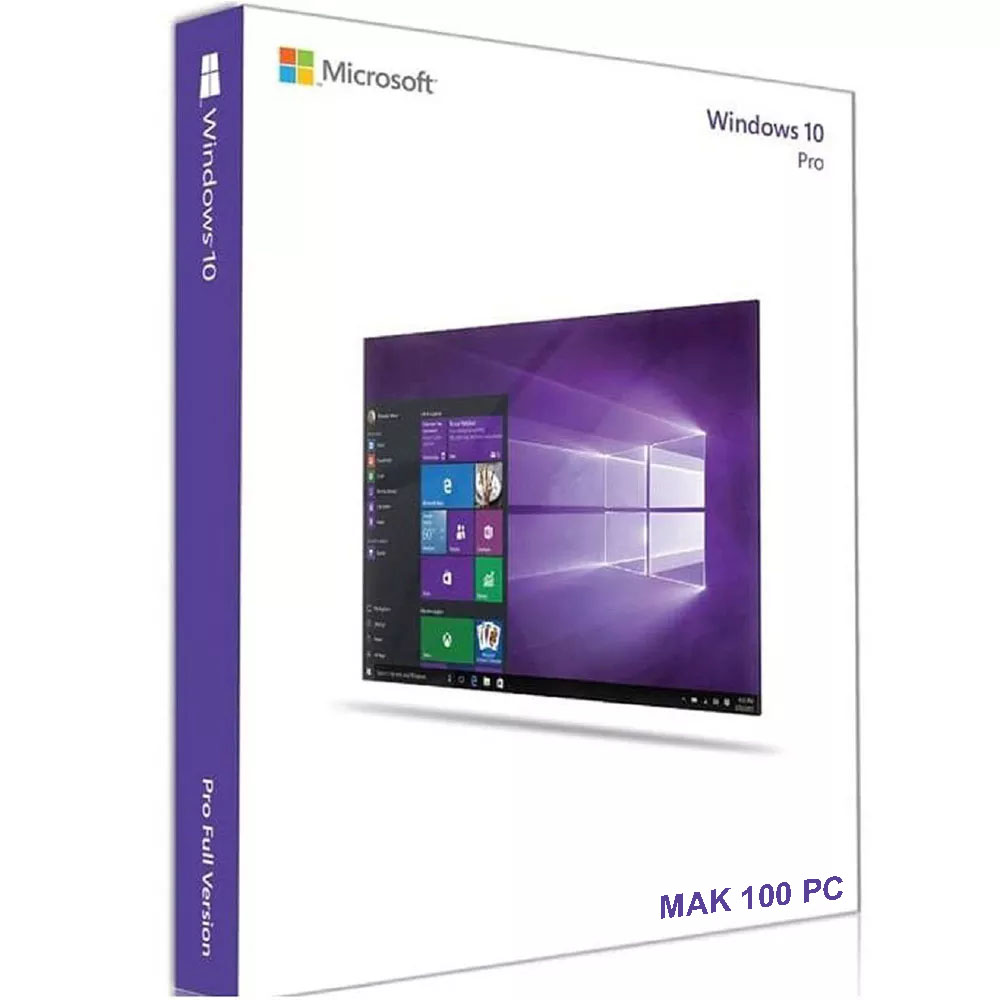
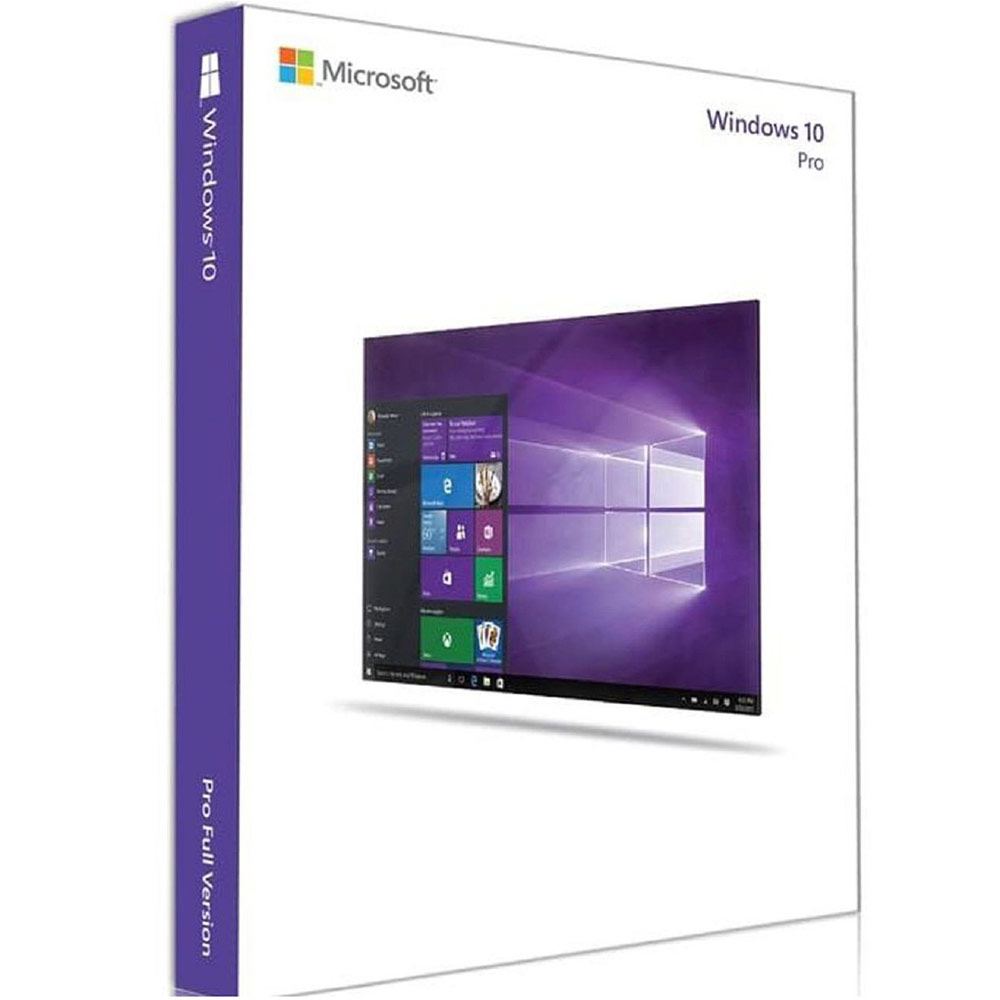
Windows 10 Pro MAK 100 PC Activations License Key
Reward Points : 1Points
Original price was: $6,999.00.$299.99Current price is: $299.99.
DOWNLOAD LINK INCLUDED
 100% Genuine
32/64 bit version support
All language support.
Online update support.
Lifetime effective
1 Key for 100 PC
Works Globally


Have Questions?

Buy Windows 10 Pro MAK 100 PC at a low price. Genuine and fast delivery
Microsoft Windows 10 Pro While geared toward business customers, Windows 10 Professional is a good operating system choice for home users with powerful computer systems. My Software Keys makes it easy for you to install Windows 10 Professional with this 1 License version that will arrive at you quickly via electronic delivery. The design of Windows 10 takes the best features from the two prior operating systems, Windows 7 and Windows 8, and incorporates them into an operating system that works similarly well on PCs and tablets. This professional version of Windows 10 has many features that are not found on the Home version, including enterprise data protection, BitLocker and trusted boot for security, remote desktop, domain join and enterprise mode Internet Explorer for business use and the ability to join Azure Active Directory with a single sign-on to cloud-hosted applications.
After purchasing this software, you will receive one license activation code and a link to Microsoft’s Media Creation Tool for Windows 10 Professional.
Product Specifications
Windows 10 Pro MAK 100 PC Activations License Key
| Manufacturer | Microsoft Corporation |
| Manufacturer Part Number | FQC-08788 |
| Manufacturer Website Address | http://www.microsoft.com |
| Brand Name | Microsoft |
| Product Name | Windows 10 Pro 32/64-bit |
| Marketing Information | With Windows 10 Pro, you’ve got a great business partner. It has all the features of Windows 10 Home, plus important business functionality for encryption, remote log-in, creating virtual machines, and more. Get fast start-ups, a familiar yet expanded Start menu, and great new ways to get stuff done, plus innovative features like an all-new browser built for online action and Cortana, the more personal digital assistant. |
| Product Type | Operating System |
| Full Product Specifications | Click to view |
| Software Sub Type | Client |
| Software Name | Windows 10 Pro 32/64-bit |
| Language Supported | Multi-Language |
| Platform Supported | PC |
| License Quantity | 1 Product Key – 100 PC |
📋 Quick Summary Table
| FAQ Topic | Simple Answer |
|---|---|
| What is it? | A single key to legally activate Windows 10 Pro on multiple computers in a business. |
| Who is it for? | IT administrators in organizations, not individual consumers. |
| License Type | Volume License for businesses (not OEM/Retail for personal PCs). |
| Lifetime? | Usually a perpetual license, but security updates ended for most users in Oct 2025. |
| Need ESU? | To get security updates after Oct 2025, a paid Extended Security Updates (ESU) program is required. |
❓ FREQUENTLY ASKED QUESTIONS FAQs
1. What is a “Windows 10 Pro MAK 100 PC” key?
It’s a Multiple Activation Key (MAK). It’s a single product key that an IT administrator can use to activate the Windows 10 Pro operating system on up to 100 different computers within their organization. It’s a tool for bulk, centralized management.
2. Who should buy this key? Is it for individual users?
This key is designed for businesses and organizations. If you are an individual buying a license for your personal computer, a MAK key is not the correct or legal product for you. New personal PCs should come with a Retail or OEM license.
3. Is this a genuine, lifetime license?
A genuine MAK key is a legitimate perpetual (lifetime) volume license from Microsoft. However, the “lifetime” refers to the license itself. Windows 10 itself reached its official “end of support” on October 14, 2025. This means most devices no longer receive critical security updates, which is a major risk.
4. How do I activate Windows 10 with this MAK key?
An administrator can activate it in several ways:
-
On a single PC: Go to Settings > Update & Security > Activation and click “Change product key”.
-
Using a script (for IT): Use the
slmgr.vbs /ipkcommand in Command Prompt. -
For bulk deployment: Use tools like the Volume Activation Management Tool (VAMT) or deployment scripts.
5. My PC already has Windows 10. Can I use this key to upgrade from Home to Pro?
Technically, yes. If your PC meets the hardware requirements, entering a valid Windows 10 Pro key in the Activation settings will initiate an upgrade. However, using a volume MAK key for a single personal PC is not its intended use.
6. What happens after October 14, 2025? Do I stop getting updates?
For standard Windows 10 licenses, yes. After the end-of-support date, you will not receive any new security updates. To continue receiving updates, organizations must purchase a separate Windows 10 Extended Security Updates (ESU) program and apply a special ESU MAK key to each device.
7. How can I check if my PC is activated with a MAK key?
Open Command Prompt as Administrator and type:
slmgr.vbs /dli
This will display a window showing your license description. If it says “Volume:MAK” or similar, it’s using a Multiple Activation Key.
8. Can I use this key to activate more than 100 PCs?
No. The “100 PC” in the product name indicates the activation limit. A single MAK key has a set number of times it can be used to activate. If you need to activate more devices, you would need to purchase additional keys or a key with a higher limit.
9. What are the system requirements for Windows 10 Pro?
The minimum requirements are quite low:
-
Processor: 1 GHz or faster.
-
RAM: 1 GB for 32-bit or 2 GB for 64-bit.
-
Storage: 16 GB for 32-bit or 32 GB for 64-bit.
-
For good performance, especially with modern software, 4-8 GB of RAM and more storage are recommended.
10. Can I switch from a MAK to another activation method later?
Yes, IT administrators can change the activation method. For example, if an organization sets up their own Key Management Service (KMS) server, they can switch MAK-activated computers to use KMS instead by changing the product key to a generic one and pointing to the KMS server
Windows 10 Pro MAK 100 PC Activations License Key
Only logged in customers who have purchased this product may leave a review.
Related products
Microsoft Windows
Microsoft Windows
Microsoft Windows
Microsoft Windows
Microsoft Windows
Microsoft Windows
Microsoft Windows
Microsoft Windows
Reviews
There are no reviews yet.