 Skip to content



Windows Server 2012 RDS 50 User CAL
Reward Points : 1Points

Original price was: $779.00.$159.99Current price is: $159.99.
DOWNLOAD LINK INCLUDED
 Low Price
100% Genuine
Both 32/64 bit version support
All languages version support.
Online update support.
Lifetime effective

Have Questions?

Windows Server 2012 RDS 50 User CAL

Minimum system requirements
- License for: 1 Server
- Processor: 1.4 GHz
- Architecture: 64 Bits
- Minimum RAM: 512 MB
- Minimum HDD: 32 GB
Main features
RDS CALs for Windows Server 2012 (R1/R2) offer the following key features:
- Remote Desktop Services (RDS) for secure remote access
- RemoteApp for seamless application delivery
- Desktop and session virtualization for efficient resource utilization
- RemoteFX for an enhanced graphics and multimedia experience
- Unified administration experience with Server Manager
Benefits
By using RDS CALs for Windows Server 2012 (R1/R2), you can enjoy the following benefits:
- Increase productivity with remote access to desktops and applications
- Reduction of hardware and software costs with virtualization
- Improved security with centralized management and control
- Enhanced user experience with RemoteFX
- Flexible deployment options with Server Manager
The difference between RDS CALs for Windows Server 2012 (R1/R2) for devices and users
Remote Desktop Services Client Access Licenses (RDS) for Windows Server 2012 (R1/R2) are available for both devices and users. The main difference between the two is how they are allocated and used.
RDS Device CALs are assigned to a specific device, such as a desktop or laptop computer. This means that any user who logs in on that device can access Remote Desktop Services on the server. This is a good option for organizations where multiple users share the same device, such as in a call center or shared workstation environment.
RDS User CALs, on the other hand, are assigned to a specific user account. This means that the user can access Remote Desktop Services from any device, as long as they are logged in with their assigned user account. This is a good option for organizations where users have their own devices, such as in a Bring Your Own Device (BYOD) environment.
It is important to note that RDS CALs are required for each user or device accessing Remote Desktop Services on the server. Without the correct CALs, users or devices will not be able to connect to the server.
Windows Server 2012 RDS 50 User CAL
Only logged in customers who have purchased this product may leave a review.
Related products
RDS Services CALS
RDS Services CALS
Windows Server
Windows Server
Windows Server
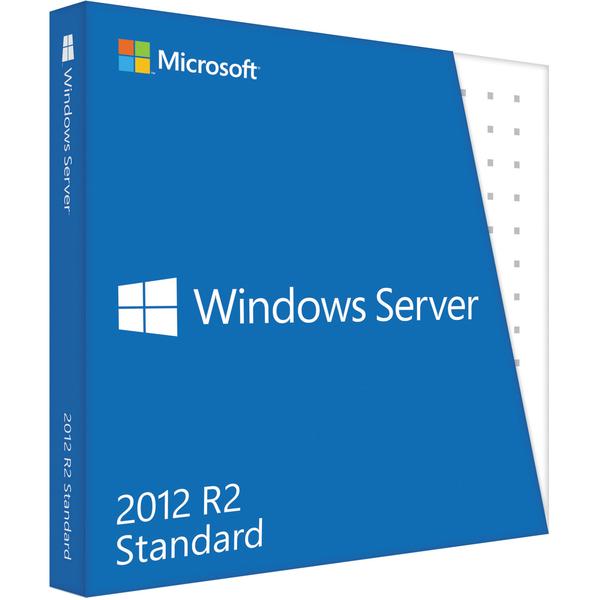
Windows Server 2012
RDS Services CALS
Windows Server 2012
Reviews
There are no reviews yet.