 Skip to content


Windows Server 2016 Remote Desktop RDS 50 User CAL
Reward Points : 1Points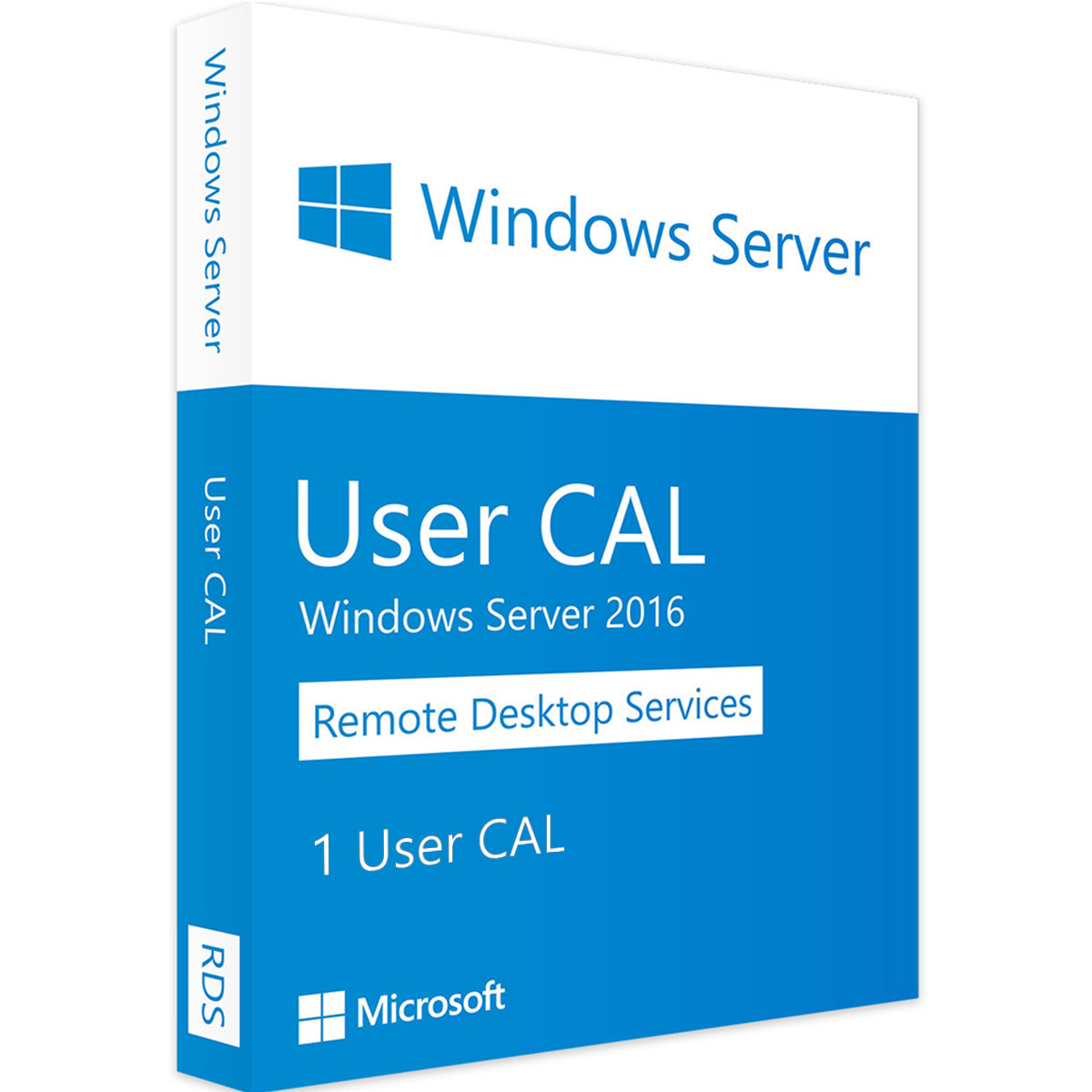
Original price was: $779.00.$249.00Current price is: $249.00.
DOWNLOAD LINK INCLUDED
 Low Price
100% Genuine (Retail Version).
Both 32/64 bit version support
All languages version support.
Online update support.
Lifetime effective
Fast Email Delivery

Have Questions?

Windows Server 2016 RDS — 50 User CAL
Remote Desktop Services (RDS) on Windows Server 2016 requires a Client Access License for every user or device that connects. This listing covers 50 User CALs — so up to 50 named users can access your RDS environment from any device they own, as many times as they like.
User CALs make more sense than Device CALs when your staff work from multiple machines — home PC, laptop, office desktop — since the license travels with the person rather than the hardware.
User CAL vs Device CAL — Quick Summary
- User CAL — one license per person, unlimited devices. Best for: staff who work from multiple locations or devices.
- Device CAL — one license per machine, unlimited users on that machine. Best for: shared workstations or terminals used by multiple shifts.
What These CALs Cover
These are Windows Server 2016 RDS User CALs. They’re compatible with Windows Server 2016 running the Remote Desktop Session Host (RDSH) role. They also satisfy the CAL requirement for earlier server versions — so if you’re running a mixed estate, a 2016 CAL covers connections to 2012 R2 and 2008 R2 RDS hosts as well.
How to Assign Your CALs
- Open RD Licensing Manager on your license server
- Right-click your server and choose Install Licenses
- Select the agreement type (typically Open License or Retail) and enter your license code
- The CALs are then available for automatic assignment to connecting users
Frequently Asked Questions
Do I need these CALs if I’m only using Remote Desktop for admin purposes?
No — Windows Server includes 2 free administrative RDP sessions by default. RDS CALs are only required when you’re providing application or desktop delivery to regular users via the RD Session Host role.
Are 2016 RDS CALs backwards compatible?
Yes. A Windows Server 2016 RDS CAL covers connections to servers running Windows Server 2008 R2, 2012, 2012 R2, and 2016.
Can I use User CALs and Device CALs on the same server?
Yes, you can mix both types in your RD Licensing Manager. Assign whichever type makes sense for each group of users.
Only logged in customers who have purchased this product may leave a review.
Related products
Windows Server
Windows Server 2012 DataCenter 45 Users Download License Key

Windows Server
Windows Server
Windows Server

Microsoft Windows
Windows Server
Windows Server
Windows Server
Reviews
There are no reviews yet.