 Skip to content

Office Standard 2016 MAK 50 PC Product Key
Reward Points : 1Points
Original price was: $1,000.00.$449.99Current price is: $449.99.
DOWNLOAD LINK INCLUDED
 100% Genuine
Both 32/64 bit version support
All languages
Updatable
Lifetime effective

Have Questions?

Office Standard 2016 MAK — 50 PC Activations
A Multiple Activation Key for Office Standard 2016, good for 50 PC activations. Standard 2016 covers Word, Excel, PowerPoint, Outlook, OneNote, and Publisher — the core productivity stack for most office users. If nobody on your team needs Access, this gets the job done at a lower cost than Professional Plus.
What’s New in Office 2016 vs 2013
The 2016 release wasn’t a dramatic overhaul, but it brought some genuinely useful improvements:
- Real-time co-authoring in Word and PowerPoint — see changes from colleagues as they type (via SharePoint/OneDrive)
- Tell Me — a natural-language search bar that finds the feature or command you’re looking for without digging through ribbons
- Smart Lookup — right-click a word to get a Bing-powered definition and context without leaving the app
- Improved Excel charts — Treemap, Sunburst, Waterfall, Box and Whisker added
- Better Outlook rules and search — finds what you need faster
Activating 50 Machines
Use VAMT to push activation across your network, or let each machine activate directly online. Both methods work fine. For offline machines, phone activation via the Microsoft hotline is available.
System Requirements
- Windows 7 SP1, Windows 8.1, or Windows 10 (32 or 64-bit)
- 1 GHz processor, 2 GB RAM
- 3 GB available disk space
Frequently Asked Questions
Does Office Standard 2016 include Teams?
No — Teams is a Microsoft 365 service. Office 2016 perpetual editions don’t include it. Skype for Business came with the Professional Plus edition of 2016.
Is Office 2016 still getting updates?
Extended support runs until October 14, 2025 — so yes, security patches are still being issued at the time of writing.
Can this MAK be used if my machines are offline?
Yes — use phone activation. Call the Microsoft Activation Hotline, provide the Installation ID, and receive a Confirmation ID to complete activation offline.
Only logged in customers who have purchased this product may leave a review.
Related products
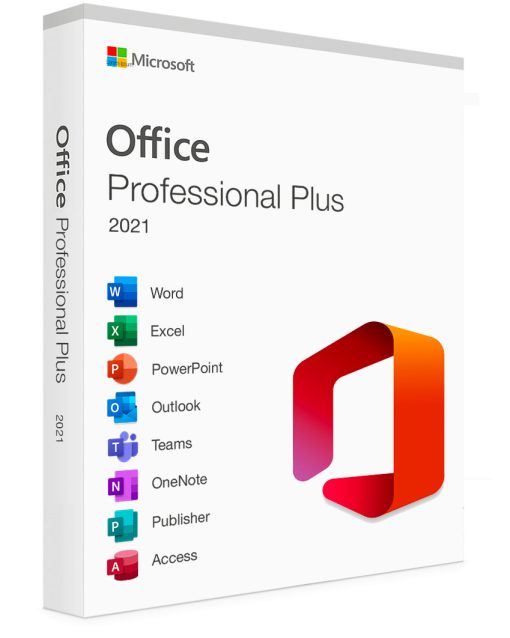
Office 2021 MAK
Office Professional Plus 2021 MAK License Key 300 PC Activations
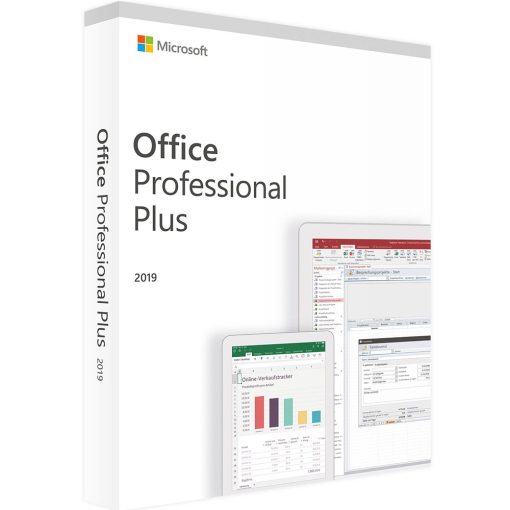
Office 2019 MAK
Office Professional Plus 2019 MAK License Key 400 PC Activations

Microsoft office 2016 product key
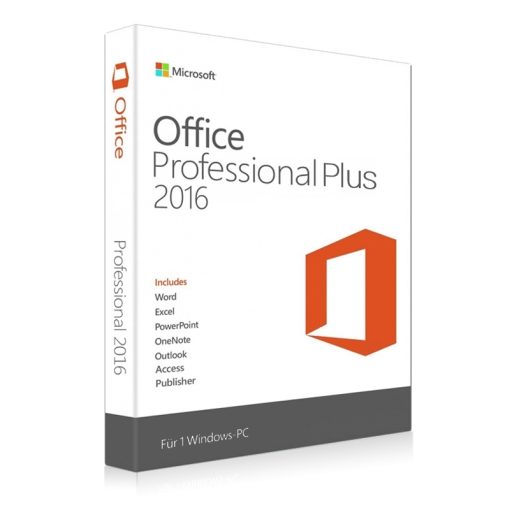
Microsoft office 2016 product key
Office Professional Plus 2016 MAK License Key 5000 PC Activations
Office 2019 MAK
Microsoft Windows
Buy Office 2013 MAK License keys
Reviews
There are no reviews yet.