 Skip to content

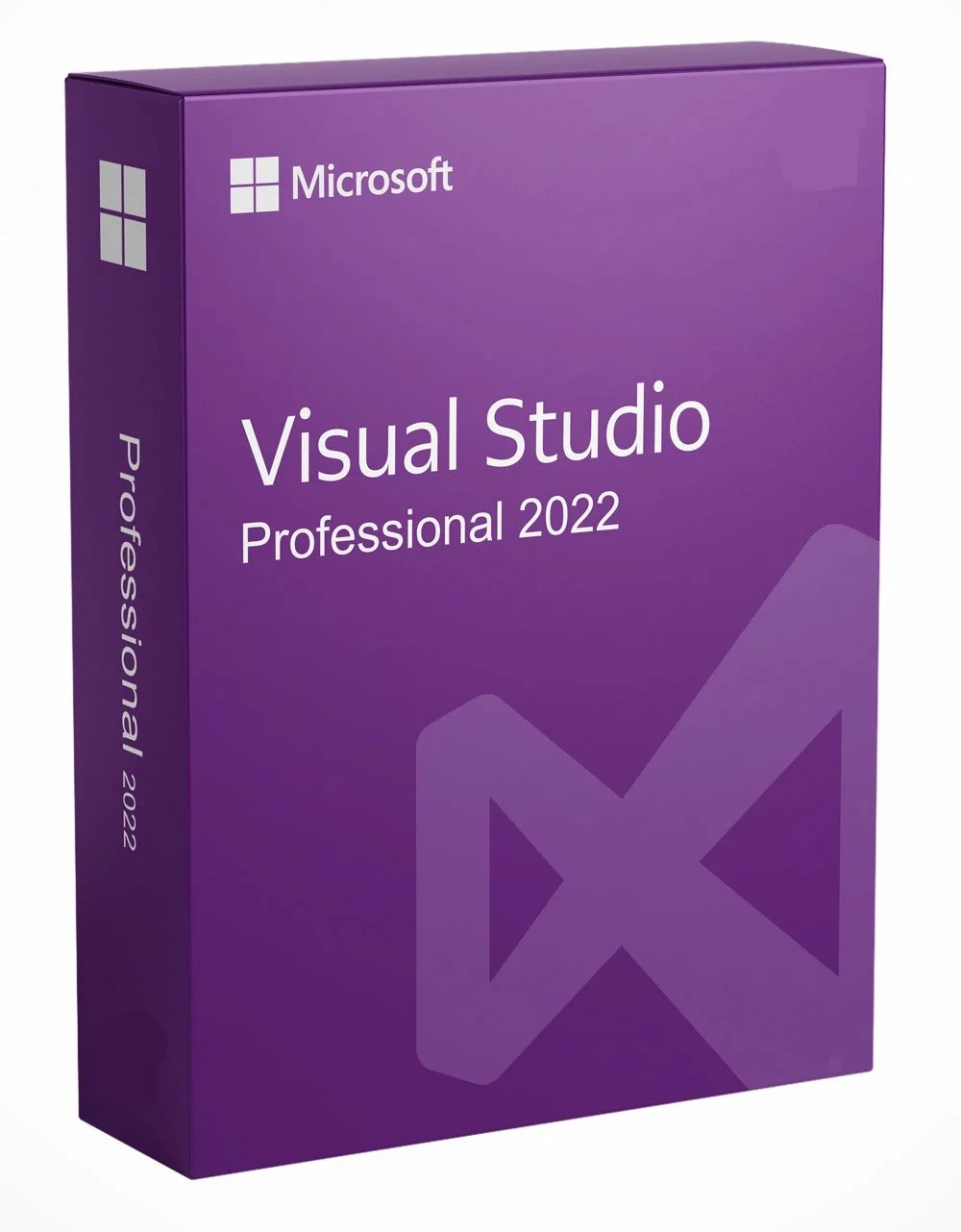
Visual Studio 2022 Professional 5 User License Key
Reward Points : 1Points
Original price was: $429.99.$169.99Current price is: $169.99.
DOWNLOAD LINK INCLUDED
 100% Genuine Retail
32/64 support
MultiLanguage support.
Online update support.
Lifetime effective

Have Questions?

Visual Studio 2022 Professional 5 User License Key
What’s New in Visual Studio 2022
-
64-Bit Architecture: Break free from the 4GB memory limit. Open, edit, run, and debug massive solutions with improved performance and responsiveness .
-
AI-Assisted Coding: Visual Studio IntelliCode and whole-line completions help your team write code faster and more accurately with AI-powered suggestions.
-
Hot Reload: See changes in real-time while your application is running—no need to restart.
-
Git Integration: Built-in Git and GitHub tools streamline version control and collaboration directly within the IDE.
-
Cross-Platform Development: Build applications for Windows, Mac, Linux, Android, and iOS with .NET MAUI and other modern frameworks.
-
Enhanced Debugging: Improved diagnostic tools, breakpoint groups, and dependency tracking help find and fix issues faster.
Understanding Visual Studio 2022 Professional Licensing
Visual Studio 2022 Professional is licensed on a per-user basis. With a 5-user license, you can install the software on any number of devices, but only the 5 licensed users may use it . This is ideal for:
-
Small development teams needing consistent tooling across the group
-
IT departments with multiple developers working on shared projects
-
Consulting firms with project-based teams
-
Businesses wanting to equip their development staff with professional tools
What’s Included in Visual Studio 2022 Professional
| Feature Category | Capabilities |
|---|---|
| Core IDE | 64-bit code editor, IntelliSense, debugging, profiling |
| Productivity Tools | CodeLens, Peek Definition, Refactoring, Multi-Targeting |
| Languages | C#, VB.NET, C++, JavaScript, TypeScript, F#, Python, Node.js |
| Platforms | .NET Framework, .NET Core, Xamarin, ASP.NET, Azure |
| Testing Tools | Unit testing, code coverage, performance diagnostics |
| Team Tools | Git integration, Team Explorer, Visual Studio Live Share |
| Extensions | Access to Visual Studio Marketplace for thousands of add-ons |
System Requirements
| Component | Minimum Requirement | Recommended |
|---|---|---|
| Processor | 1.8 GHz 64-bit processor | Quad-core or better |
| RAM | 4 GB | 16 GB for typical professional solutions |
| Hard Disk | 850 MB – 210 GB (depending on features) | 20-50 GB with SSD strongly recommended |
| Operating System | 64-bit Windows 10/11 or Windows Server 2016+ | Windows 11 |
| Display | 1366 x 768 | 1920 x 1080 or higher |
| .NET Framework | 4.7.2+ required | 4.8 (installed automatically if needed) |
Supported Operating Systems
-
Windows 11: Home, Pro, Pro Education, Pro for Workstations, Enterprise, Education
-
Windows 10: Home, Professional, Education, Enterprise
-
Windows Server: 2022, 2019, 2016 (Standard and Datacenter)
Note: Visual Studio 2022 is a 64-bit application only and requires a 64-bit operating system. 32-bit and ARM32 systems are not supported .
Your Team Licensing Solution
When you purchase a Visual Studio 2022 Professional 5 User License from Mylegitkeys.com, you receive:
-
Instant Delivery: License key emailed immediately after purchase
-
Team Pricing: Volume discounts for multi-user licensing
-
Genuine Microsoft License: Sourced through authorized channels
-
Replacement Warranty: Support for activation issues
Frequently Asked Questions
1. How does a 5-user license for Visual Studio 2022 Professional work?
Answer: Visual Studio 2022 Professional is licensed on a per-user basis. This means you can install the software on any number of devices (work PC, home PC, laptop), but only the 5 licensed users may use it. The license is not tied to specific machines but to the individuals using the software. Multiple simultaneous users on the same machine is not supported .
2. What’s the difference between Visual Studio 2022 Community, Professional, and Enterprise?
Answer:
| Edition | Best For | Key Differences |
|---|---|---|
| Community | Individual developers, open-source, small teams (5 users max, non-enterprise only) | Free, but restricted to non-enterprise organizations (≤250 PCs or ≤$1M revenue) |
| Professional | Professional developers, small to mid-size teams | Includes CodeLens, advanced debugging, team tools; requires license |
| Enterprise | Large teams, mission-critical development | Adds IntelliTrace, live unit testing, architecture tools, advanced diagnostics |
3. Can we share the same license key across all 5 users?
Answer: Yes! The product key you receive will activate Visual Studio 2022 Professional for all 5 users. Each user will use the same key during installation . Microsoft’s activation servers track the number of activations, but with a 5-user license, you’re entitled to activate for up to 5 individual users.
4. How do we activate Visual Studio 2022 Professional with our license key?
Answer: After installation :
-
Open Visual Studio 2022
-
Click on Help in the top menu
-
Select Register Visual Studio
-
Click Use a product key to unlock
-
Enter your 25-character product key
-
Click Apply – you should see “Product key successfully applied”
Alternatively, you can activate via File > Account Settings and sign in with a Microsoft account associated with your license .
5. Can we install Visual Studio 2022 Professional on multiple machines per user?
Answer: Yes! Each licensed user can install and use Visual Studio 2022 Professional on any number of devices, including work PC, home PC, and laptop. However, the software should only be used by that licensed individual .
6. What are the system requirements for Visual Studio 2022 Professional?
Answer: Visual Studio 2022 Professional requires :
-
Processor: 64-bit processor (ARM64 or x64); ARM32 not supported
-
RAM: Minimum 4 GB (16 GB recommended for typical solutions)
-
Hard Disk: 20-50 GB free space (SSD strongly recommended)
-
Operating System: 64-bit Windows 10/11 or Windows Server 2016/2019/2022
-
Display: 1366 x 768 minimum (1920 x 1080 recommended)
7. Is Visual Studio 2022 Professional compatible with Windows 11?
Answer: Absolutely! Visual Studio 2022 Professional is fully supported on Windows 11 (Home, Pro, Enterprise, and Education editions) . In fact, Windows 11 is the recommended operating system for the best experience.
8. Does Visual Studio 2022 Professional include Azure credits or DevOps benefits?
Answer: Yes! Visual Studio Professional subscriptions typically include $50 monthly Azure credits, access to Azure DevOps (Basic plan), and other subscriber benefits like training and support . These benefits are tied to the licensed user’s account.
9. What’s the difference between a 5-user license and buying 5 individual licenses?
Answer: A 5-user license is typically more cost-effective than purchasing 5 individual licenses. It provides a single key for your entire team, simplifies license management, and ensures consistent tooling across all developers.
10. Can we add more users later if our team grows?
Answer: Yes! You can purchase additional Visual Studio 2022 Professional licenses as your team expands. Contact our sales team for volume quotes on 10+, 25+, or 50+ user licenses.
11. Is Visual Studio 2022 Professional a perpetual license or a subscription?
Answer: Visual Studio 2022 Professional is available as both a perpetual license (one-time purchase) and a subscription. Our 5-user license offering is a perpetual license—you pay once and own the software forever. Subscriptions include additional benefits like Azure credits but require ongoing payment .
12. What programming languages are supported?
Answer: Visual Studio 2022 Professional supports a wide range of languages including C#, VB.NET, C++, JavaScript, TypeScript, F#, Python, Node.js, HTML, CSS, and XML. Support for additional languages is available via extensions from the Visual Studio Marketplace.
13. What is CodeLens and why is it useful for teams?
Answer: CodeLens is a Visual Studio Professional feature that shows valuable information directly in your code editor—like references, changes in version control, authors, and unit test status . For teams, it helps developers understand code context without leaving their workflow.
14. Can we use Visual Studio 2022 Professional for commercial development?
Answer: Absolutely! Visual Studio 2022 Professional is fully licensed for commercial development. Your team can build, test, and deploy production applications for clients or your own business.
15. Does this include Team Explorer for Azure DevOps?
Answer: Yes! Visual Studio 2022 Professional includes Team Explorer, which provides full integration with Azure DevOps and Team Foundation Server for version control, work item tracking, build management, and team collaboration .
16. What if we have activation issues?
Answer: We stand behind our products. If you encounter activation issues, contact our support team with your order number and the error message. Common activation errors include :
-
Network/firewall issues preventing communication with Microsoft servers
-
Incorrect key entry (typos in the 25-character key)
-
Attempting to activate the wrong edition
We provide replacement keys for legitimate activation issues.
17. Can Visual Studio 2022 Professional be installed offline?
Answer: Yes! You can create an offline installation layout for Visual Studio 2022 Professional, which is useful for deploying to multiple machines or air-gapped environments. Microsoft provides documentation on creating offline installation packages .
18. What support options are available for volume license customers?
Answer: Volume license customers receive priority support from our team for activation and licensing questions. For technical issues with Visual Studio itself, Microsoft’s standard support channels apply.
Only logged in customers who have purchased this product may leave a review.
Related products
Visual Studio
Visual Studio
Visual Studio
Visual Studio
Visual Studio
Visual Studio
Visual Studio
Reviews
There are no reviews yet.