 Skip to content

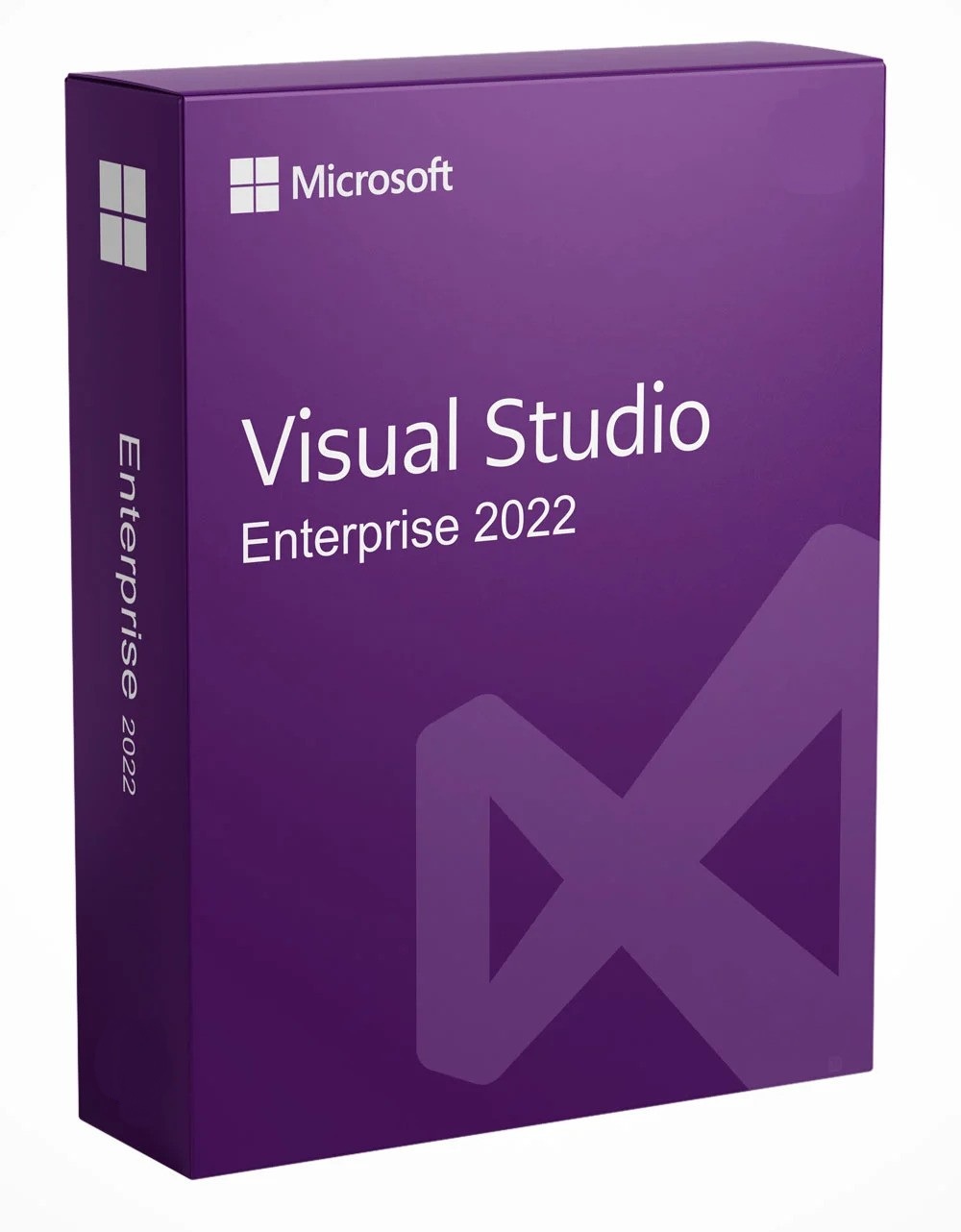
Visual Studio Enterprise 2022 Product Key
Reward Points : 1Points
Original price was: $1,999.00.$149.99Current price is: $149.99.
OFFICIAL DOWNLOAD LINK INCLUDED
 100% Genuine Retail
32/64 support
Multi-language support.
Online update support.
Lifetime effective

Have Questions?

Visual Studio Enterprise 2022 Product Key

Getting started with Visual Studio 2022 Enterprise
To develop any application or learn a language, work in the Visual Studio 2022 integrated development environment. Beyond code editing, Visual Studio 2022 brings together graphic designers, compilers, code completion tools, source code management, extensions, and many other features in one place.
Customize with themes and more
Do you prefer a dark design? Do you want to change the Windows layout to your liking? Do you have favorite keyboard shortcuts? Watch this short video to learn about some cool customization options like themes, fonts, window layouts, and custom keyboard shortcuts in Visual Studio.
Learn how to customize even more settings in this step-by-step guide .
- Choose a topic
- Change fonts and colors
- Add and remove menus and toolbars
- Moving the window layout
- Set familiar keyboard shortcuts
- Select the development area that interests you most
- Watch the step-by-step tutorial to get a basic understanding of how to create a simple app.
- Complete your learning by watching our recommended video series and guides for beginners.
.NET
With Visual Studio and .NET, you can develop applications for desktop, web, mobile, games, and more. You can write .NET applications in C#, F#, or Visual Basic.
- Desktop Development with .NET Core
Get started easily by creating a Windows console app with .NET Core. Learn how to debug and publish, too.- Desktop application for Windows
- Class Library
- App for all Windows 10 devices (e.g. Xbox, HoloLens, IoT)
- Web/Cloud Development with ASP.NET Core
- Game Development with Unity
- Machine learning with ml.net
C++
Development tools and libraries for C++, C++, and assembly language are available as part of Visual Studio on Windows. You can use C++ in Visual Studio to create all kinds of applications, from simple console applications to Windows desktop applications, from device drivers and operating system components to cross-platform mobile games, and from small appliances to multi-server computing in the Azure cloud.
- Desktop Applications
- Android/iOS applications with C++
- Game development with C++
Python
Visual Studio is a powerhouse for the Python language thanks to its built-in development and data science workloads. Python is a popular, easy-to-learn, free programming language with many free libraries. Use Python in Visual Studio to create web applications, web services, desktop applications, scripts, and scientific calculations. It is used by many universities, scientists, hobbyists, and professional developers.
- Data science and analytical applications
- Web applications
- Desktop Applications
JavaScript/TypeScript
Visual Studio offers broad support for JavaScript development, both directly with JavaScript and with TypeScript, an open source language based on JavaScript that is commonly used for developing large web applications.
- Web Application
Learn how to create an ASP.NET Core web application using TypeScript
Node.js
Visual Studio has built-in tools for Node.js, a platform for building fast, scalable server applications with JavaScript. Node.js is the runtime, and npm is the package manager for Node.js modules. Learn what makes Visual Studio a powerful node.js development environment.
- Web/Cloud Development with Node.js Tools
Build a web application in Visual Studio using Node.js tools with the Express web application framework - React Web UI
React is a popular JavaScript library developed by Facebook for creating user interfaces for web applications. Build a simple web application with Node.js tools in Visual Studio using React. Join the Node.js Tools for Visual Studio community on GitHub
Visual Studio 2022 Enterprise Key Features & Benefits (Bullet Points):
100% Authentic Microsoft License
Receive a legitimate, retail Visual Studio Enterprise 2022 product key—directly sourced and verified. No gray-market, MSDN, or trial keys. Fully compliant with Microsoft’s licensing terms.
⚡ Instant Digital Delivery
Get your product key and official download links within minutes via email. No shipping, no waiting. Activate and start developing immediately.
Complete Enterprise-Grade Toolset
Access the full spectrum of advanced developer tools included in Visual Studio Enterprise 2022:
-
Advanced Debugging & Diagnostics: Code Map, IntelliTrace, and dynamic profiling tools.
-
Collaborative Development: Live Share for real-time collaborative editing and debugging.
-
AI-Powered Productivity: IntelliCode for context-aware code completions.
-
Testing Tools: Microsoft Test Manager, IntelliTest, and Live Unit Testing.
-
DevOps & Azure Integration: Seamless Azure DevOps, GitHub, and Azure deployment tools.
-
Architecture & Modeling: Dependency diagrams, layer validation, and architecture validation tools.
Flexible Licensing Options
Choose between Perpetual License (one-time purchase) or Subscription Key (annual renewal). Ideal for individual developers, teams, and enterprise volume licensing needs.
🔧 Full IDE Access & Updates
Includes the complete Visual Studio Enterprise 2022 IDE with access to updates during the product lifecycle. Compatible with Windows 10/11 and Windows Server editions.
📞 Dedicated Setup Support
We provide clear activation instructions and customer support to ensure smooth installation and licensing.
Best For:
-
Professional software developers and engineers
-
Enterprise development teams
-
DevOps and QA specialists
-
Solution architects and technical leads
-
Organizations requiring advanced testing, debugging, and collaboration tools
What You Receive:
-
Genuine Visual Studio Enterprise 2022 product key (Perpetual or Subscription)
-
Direct download links for the official installer from Microsoft
-
Step-by-step activation guide
-
Email delivery confirmation and digital invoice
Why Choose Our Product Key?
-
Legitimacy Guaranteed – We supply only verified retail keys, ensuring compliance and peace of mind.
-
Immediate Access – No physical shipment; digital delivery means you can start working right away.
-
Cost-Effective – Save significantly compared to purchasing directly through Microsoft retail channels.
-
Enterprise-Ready – Full support for professional and organizational development workflows.
Frequently Asked Questions (FAQ):
Q: Is this a lifetime/perpetual license?
A: We offer both perpetual and subscription keys. Please select your preferred option during checkout.
Q: Can I activate this on multiple machines?
A: Each license is intended for one user and can be activated on up to two devices for the same user, per Microsoft’s terms.
Q: Do you provide the software download?
A: Yes, you will receive a direct link to download the official Visual Studio Enterprise 2022 installer from Microsoft’s servers.
Q: Is technical support included?
A: This product includes installation and activation support from us. For technical issues with Visual Studio itself, Microsoft provides official support.
1. What is Visual Studio Enterprise 2022?
Answer: Imagine you want to build the coolest, most amazing treehouse ever. You wouldn’t just use a hammer and some nails—you’d want a giant, magic toolbox with every tool you could dream of: saws, blueprints, power drills, and even a robot helper! Visual Studio Enterprise 2022 is exactly that, but for building computer programs, websites, and video games. It’s the biggest, most complete toolbox for professional builders (called developers).
2. Why is it called “Enterprise”? Does it fly like a starship?
Answer: That’s a fun idea! “Enterprise” here means it’s built for really big missions, like building the software for an entire company (which is sometimes called an “enterprise”). It’s like the difference between building a birdhouse for your backyard and building a skyscraper. You need extra-strong tools and special planning equipment for the skyscraper. This version has all those super-powered tools for the biggest projects.
3. Can I use it to make my own game?
Answer: You absolutely could! It has all the tools you would need. But it’s a very powerful and complex toolbox, kind of like the control panel for a spaceship. Most kids start learning with simpler, friendlier tools first (like Scratch or smaller coding apps). This is what the professional game makers at big companies use to build the games you love to play.
4. Why would someone buy it from mylegitkeys instead of a store?
Answer: Think about buying a video game. You can buy a physical disc in a big box, or you can get a digital code to download it instantly. mylegitkeys sells the official, real digital “game code” (we call it a license key) for this software tool. It’s usually faster and a better price than the big-box store, and you get the same real thing from Microsoft. It’s like getting the magic password to unlock the toolbox directly on your computer.
5. What’s the coolest tool inside this toolbox?
Answer: Ooh, great question! One of the coolest is a live superhero helper. Normally, if a programmer makes a mistake (a “bug”), they have to stop and hunt for it. With this toolbox, they can use a special tool called Live Share to invite a teammate anywhere in the world to look at their code together in real-time, as if they were side-by-side. It’s like remote-control teamwork to fix problems super fast!
Visual Studio 2022 Enterprise License Key
1 review for Visual Studio Enterprise 2022 Product Key
Only logged in customers who have purchased this product may leave a review.
Related products
Visual Studio
Visual Studio
Visual Studio
Visual Studio
Visual Studio
Visual Studio
Visual Studio
Nathan ************ –
Got the key within 10 minutes, went ahead and activated had no problema. Will come back cor more software keys